
E-Commerce Product Photography: Your Complete Q&A Guide for Fashion Brands
Master e-commerce product photography with this complete Q&A guide for fashion brands. Learn lighting fundamentals, composition techniques, editing best practices, and when to scale beyond DIY with AI automation. Discover how to create professional product photos that convert without expensive equipment or studio rentals.
Your product photos aren't just images—they're your silent salespeople. In fashion e-commerce, the difference between a scroll-past and an add-to-cart often comes down to one thing: how well your product photography answers the questions customers can't ask in person. This guide breaks down everything fashion brands need to know about creating product photos that actually convert.
Do You Really Need Professional Equipment to Shoot E-Commerce Product Photos?
No. Modern smartphones with 12+ megapixel cameras can deliver professional-quality product shots if you understand the fundamentals. What matters isn't expensive DSLR equipment—it's your setup, lighting, and post-processing consistency.
The real investment isn't gear—it's creating a repeatable system. Fashion brands managing growing SKU catalogs need consistency more than they need expensive cameras. A dedicated photography corner with controlled lighting beats sporadic shoots with professional equipment every time.
What's the Minimum Setup Required for Professional Product Photography?
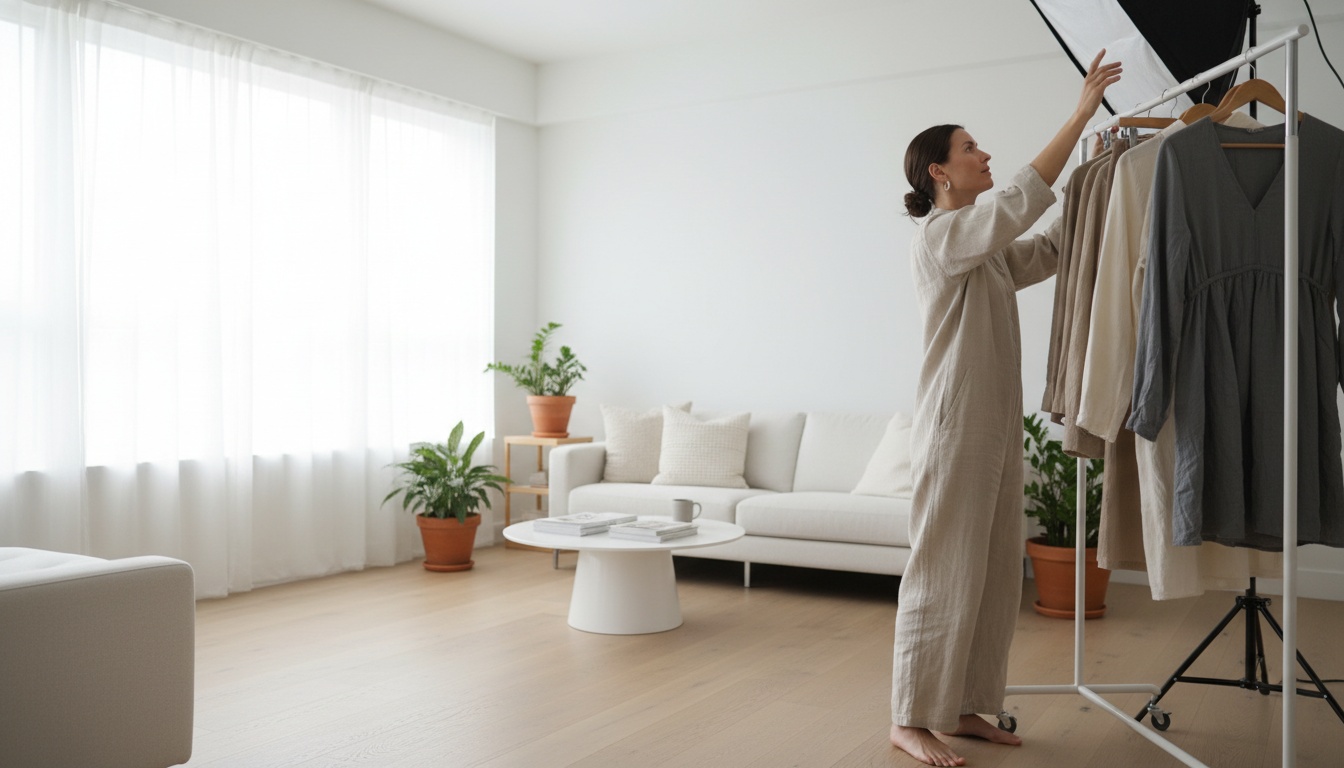
You need five core elements: a stable shooting surface (table or floor), a tripod to eliminate blur and maintain consistency, natural window light as your primary source, a white sweep or backdrop (kraft paper works for budget setups), and a reflector to control shadows. That's it. No studio rental required.
Setting up a dedicated photography area—even just a corner of your office—changes everything. Inconsistent shooting locations create disjointed product pages. Customers notice when lighting and angles shift between products.
How Does Lighting Actually Impact Conversion Rates?
Lighting is where most DIY product photos fail. Harsh shadows, washed-out colors, or orange tints make products look nothing like reality—and customers abandon carts when they can't trust what they're seeing.
The best natural light comes from a side angle next to a large window. Position your table beside the window and arrange your backdrop in an L-shape. Mount a reflector opposite the window to bounce light back and soften shadows. This creates the professional look that builds purchase confidence.
Remember: shadows aren't bad. Hard shadows are bad. Soft, subtle shadows make products look three-dimensional and real. The quality depends on two factors—light distance (closer sources create softer shadows) and light size (large windows create soft light, small ring lights create harsh light).
What Angles and Compositions Convert Best for Fashion Products?
Every shot should serve a purpose. Fashion customers need to see what they can't touch. Minimum standard: 4-5 shots from various angles including front, back, sides, close-ups of texture and stitching, and how the item looks in lifestyle context.
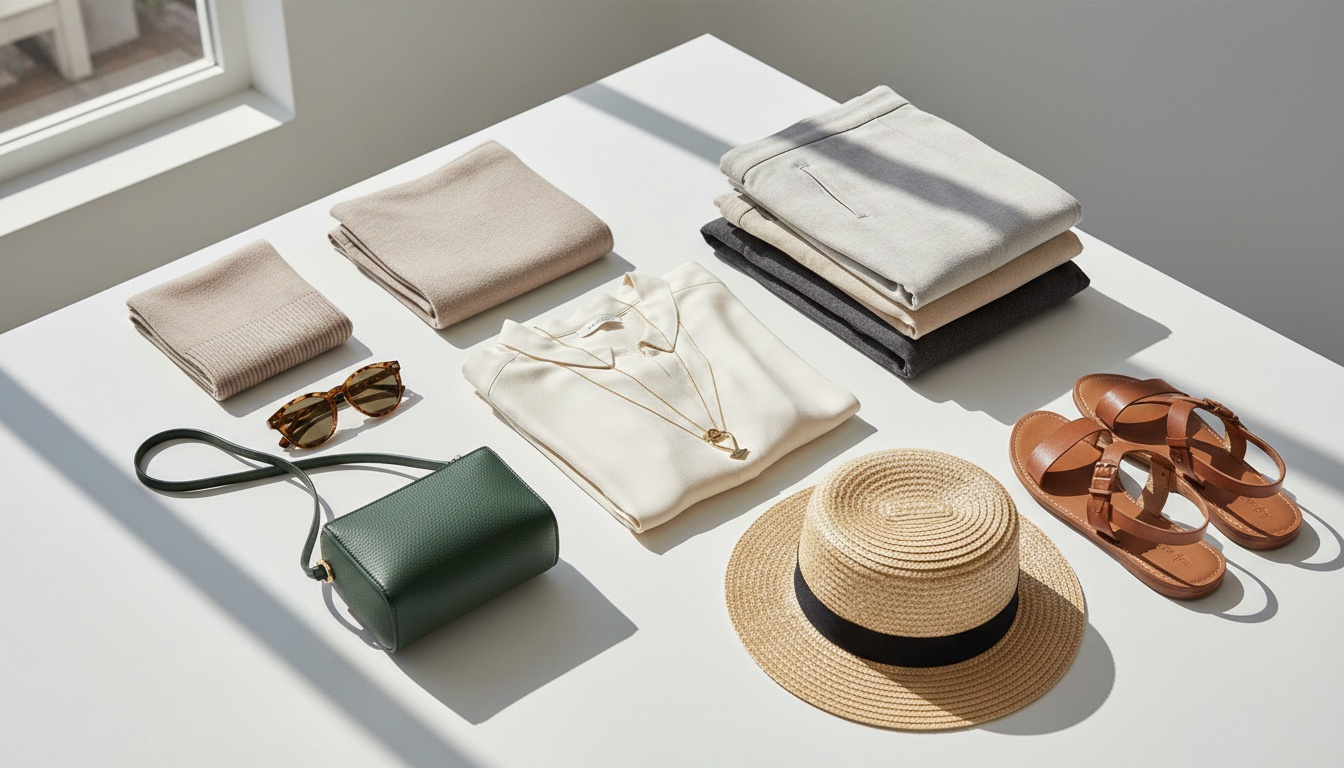
For composition, use the tic-tac-toe grid method. Divide your surface into nine squares, place your product in one square and props in others, overlapping objects at grid intersections for depth. Two styles work best: The Diagonal (objects lined up tallest to shortest, great for eye-level shots) and The C (crescent arrangement with bare middle, perfect for flat lays).
How Many Product Images Do E-Commerce Platforms Actually Require?
Amazon requires minimum 7 product images. Instagram Shopping needs lifestyle shots. Your own Shopify store should include white background shots (the clean, distraction-free standard), lifestyle shots showing context, close-ups of details, multiple color options shown together, and product bundles or layered looks.
The goal: replicate the in-store experience digitally. If a customer could walk into your shop, what would they examine? Replicate that through your photography.
What Camera Settings Matter Most for Product Photography?
For DSLR users wanting everything in crisp focus, use a small aperture (high f-stop) and slow shutter speed. This gives wide depth of field where your entire product stays sharp. For blurred backgrounds, do the opposite—use low f-stop like f/2.8 to f/4.5. Phone cameras achieve this through portrait mode using machine learning.
Always use a tripod. Always. Tripod stability separates professional-looking shots from blurry failures and keeps angles consistent across multiple products.
How Should You Edit Product Photos Without Looking Fake?
Good editing is subtle. If you've nailed lighting and setup, you only need light retouching. Focus on sharpness (lightly sharpen edges for definition), white balance (commercial photography should skew slightly warm), brightness (add carefully to avoid washed-out looks), contrast (slightly higher adds texture), and saturation (moderate increase makes colors pop without looking otherworldly).
Customers won't buy if they can't envision what they're actually receiving. Authenticity beats over-editing every time.
What's the Best Image Size for E-Commerce Platforms?
On Shopify, maximum image size is 4472 x 4472 pixels (up to 20MB), but that's unnecessarily large. A 2048 x 2048 pixel image for square product photos is recommended—it loads faster while still supporting zoom functions for detail-focused customers.
Compress file sizes using tools like TinyPNG or Compress JPEG. Smaller files mean faster page loads, which directly impacts conversion rates and search engine rankings.
When Should Fashion Brands Move Beyond DIY Photography?
DIY works until you're scaling. If you're launching 10+ new SKUs monthly, your team is spending days on photography instead of selling and marketing. You need a scalable system when your catalog grows faster than photography capacity, you need multiple variations per product, you're selling across multiple channels, consistency is suffering, or photography time is taking away from revenue-generating activities.
This is where Milano AI transforms the equation completely. Built exclusively for fashion e-commerce, Milano AI isn't a standard AI photo tool—it's your complete visual content operating system. Upload product photos and generate unlimited variations in minutes: white background shots, lifestyle scenes with context, ghost mannequin effects, multi-angle views for every SKU.
Instead of managing multiple photo shoots, props, models, and editing sessions, you're working with bulk upload capabilities that create complete e-commerce catalogs instantly. Generate color variations, size mockups, different styling contexts—everything customers need to make purchasing decisions. Cut photography costs by 95% while actually increasing the number of variations you offer.
The AI-powered photo editor handles creative requests conversationally. Need to change backgrounds, remove distracting elements, adjust lighting mood, or change product colors without reshoot? Just describe what you want in plain English. Real-time iterations mean faster time-to-market for seasonal collections.
Beyond product photos, Milano AI provides your complete marketing automation suite: video campaigns using pre-built templates, AI avatar videos for product demos, SEO-optimized blog content, automated social media posts, interactive catalogs, and live shopping experiences—all from a single dashboard.
For DTC brands, indie labels, and mid-market retailers, the math is simple: traditional workflows take weeks and cost thousands. Milano AI compresses that into hours and a fraction of the budget. Scale production 10x, cut content costs by 95%, and turn weeks of traditional workflows into minutes of AI-powered creation.
The Bottom Line: Product Photos Are Your Biggest Conversion Lever
Whether you're shooting DIY or leveraging AI automation, the principles remain the same: lighting, composition, and consistency drive conversions. Start with the fundamentals—master your setup, understand shadow control, learn composition basics. Then, when you're ready to scale beyond what your team can manually handle, you'll have the foundation to make informed decisions about tools that multiply your output instead of adding more work.
Your product photos aren't a cost center—they're your most powerful marketing asset. Treat them like it.
Frequently Asked Questions
No, modern smartphones with 12+ megapixel cameras can deliver professional-quality product shots if you understand lighting, composition, and post-processing fundamentals. What matters most is creating a consistent, repeatable photography system with controlled lighting—not expensive DSLR equipment. A dedicated photography corner with proper setup beats sporadic shoots with professional cameras.
Scale Your Fashion E-Commerce with AI
Create professional campaigns and product photography in minutes. Start with 10 free credits—no credit card required.