
10 Product Photography Tips for Fashion E-Commerce That Sell in 2026
Master professional product photography for fashion e-commerce with 10 expert-backed tips covering lighting, camera settings, styling, and editing. Learn how to create conversion-optimized product images that sell—plus discover how Milano AI cuts photography costs by 95% while scaling production 10x.
Want visuals that sell? Professional product photography drives conversions, builds brand trust, and separates successful fashion e-commerce brands from the competition. Whether you're shooting in-house or scaling with AI tools, these 10 expert-backed tips will transform your product images from basic to conversion-optimized.
1. Nail Your Lighting Setup From the Start
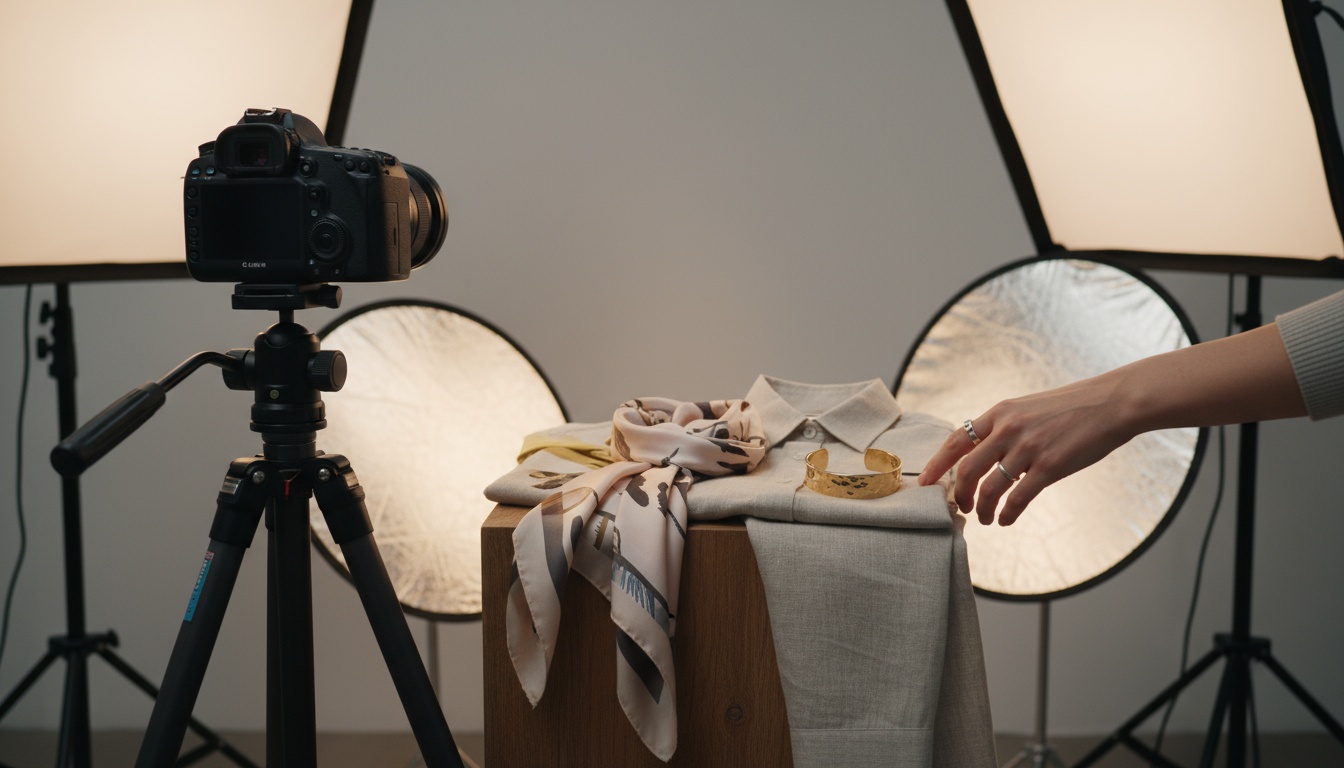
The right lighting makes or breaks your images. Start by choosing your light source: natural light is budget-friendly and forgiving, but studio lighting (like strobes or LEDs) offers more control and consistency. A three-point lighting setup—key (main) light, fill light, and backlight—produces even, professional results and helps products pop against backgrounds.
Tip: Use reflectors or white foam boards to fill in harsh shadows, and diffusers (like softboxes) to soften light for a flattering, shadow-free look.
Why it matters: 70% of consumers are more likely to buy products with high-quality, reliable photos. Poor lighting creates shadows, color distortion, and unprofessional results that kill conversions.
2. Master Your Camera Settings
Even if you're using a smartphone, get comfortable with manual settings where possible. For DSLRs or mirrorless cameras, set a low ISO (100-200) for clear, noise-free images. Use an aperture of f/8-f/11 for fashion products, ensuring garments and accessories are sharp from edge to edge. Choose a shutter speed fast enough to eliminate blur (1/125s is a solid starting point), especially if you're holding the camera by hand.
Tip: Always set white balance according to your light source to keep colors accurate and true-to-life. Color accuracy is non-negotiable for fashion e-commerce—customers return items when colors don't match expectations.
3. Choose Backgrounds That Highlight Your Products
White or light gray backgrounds are e-commerce staples—they keep the focus on your product and create visual consistency across your store. Consider textured or colored backgrounds for editorial shots or social media, but make sure they enhance—not distract from—your product.
Don't forget: Seamless paper rolls, fabrics, and professional backdrops are all great investments. Ensure there are no wrinkles or visible seams for a polished look. Marketplace platforms like Amazon require clean white backgrounds (RGB 255, 255, 255) for product listings.
4. Style and Arrange With Intention
Group similar pieces (by color, type, or material) for smoother photoshoots and easier workflow. Before shooting, create a shot list: plan out angles, details to highlight, and any lifestyle scenes you'll need.
For apparel, use ghost mannequins, flat lays, or hangers to bring your garments to life. With accessories and beauty products, consider using subtle props to add context—but always keep the product the hero. Strategic styling increases perceived value and helps customers visualize how products fit into their lives.
5. Dial In Your Angles
The right angle can show off a product's best features, shape, and quality. Start with these essentials:
- Straight-on/eye-level: Great for apparel and accessories—shows the actual fit and silhouette.
- Flat lay/top-down: Perfect for outfits, collections, or styled looks.
- 45-degree/side angles: Excellent for depth, dimension, and showing textures.
Experiment and preview shots on a computer for best results. Mobile screens don't show the full detail and quality that desktop shoppers will see.
6. Focus on the Details—Clarity Counts
Fashion shoppers want to inspect material, stitching, labels, fastenings, and prints. Use a tripod for pin-sharp detail shots—and don't be afraid to zoom in or crop tightly. Detail shots reduce returns by setting accurate expectations about quality, texture, and craftsmanship.
Avoid clutter or distracting elements: Keep backgrounds neutral and props minimal when capturing close-ups. The detail should speak for itself.
7. Keep It Consistent for Your Brand
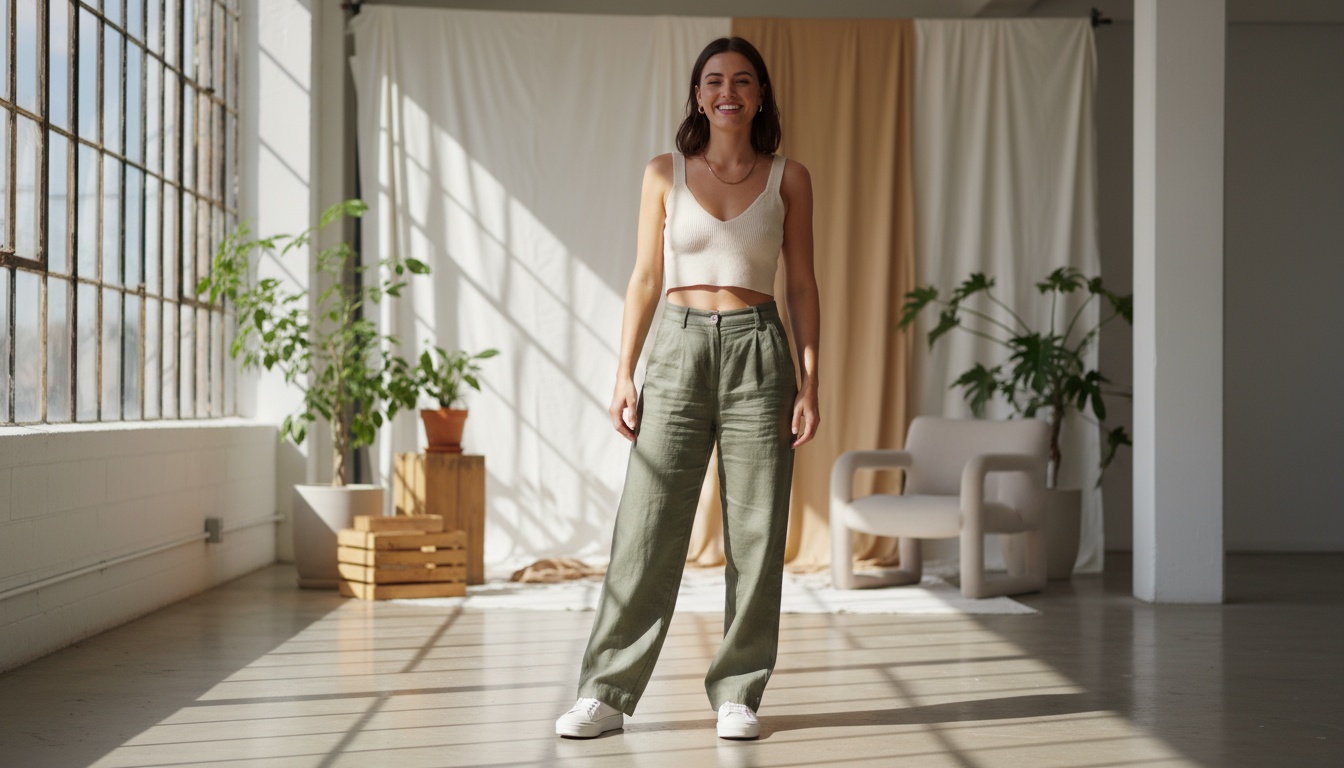
Consistency in lighting, angles, background, and retouching boosts your brand's perceived professionalism. Set up a simple studio, mark product and camera placements, and note your camera and lighting settings for every shoot. Create style guidelines to keep all product images on-brand—no matter who's behind the camera.
Inconsistent imagery makes your brand look disorganized and unprofessional. Customers trust brands that present cohesive, polished visual experiences across all touchpoints.
8. Refine With Editing and Retouching
Always shoot in RAW format where possible—it gives you more flexibility for correcting exposure and color in post-production. Start by cropping, straightening, and color-correcting to ensure perfect accuracy. Use background removal or replacement tools to swap backgrounds for white, transparent, or lifestyle scenes tailored to your marketplace or campaign needs.
Pro tip: Batch editing saves hours. Use presets or AI-powered editing tools to apply consistent adjustments across entire product collections.
9. Mix in Lifestyle and Contextual Shots
Show how your products look and feel in real life by creating styled scenes, lookbooks, or user-inspired content. Use models, mannequins, or AI-generated environments to help customers visualize fit, use, and versatility.
Highlight: For small teams or budgets, digital tools and AI avatars can create stunning on-brand lifestyle shots without costly shoots. Traditional lifestyle photoshoots cost $5,000-15,000. AI alternatives deliver the same professional quality for 95% less.
10. Test, Preview, and Optimize for Every Platform
Review finished images on different devices and screen sizes—what looks great on desktop might not translate on mobile or marketplaces. Export optimized versions for web (fast loading), marketplaces (background/color requirements), and social media. Perform soft launches and use analytics tools to track which styles and formats drive the best engagement and conversions.
Platform-specific optimization matters: Instagram prefers 1:1 or 4:5 ratios. Amazon requires white backgrounds. TikTok Shop performs best with vertical video. Optimize for each channel to maximize ROI.
How Milano AI Makes Product Photography Effortless for Fashion E-Commerce
Feeling overwhelmed by traditional product photography? You're not alone. Fashion brands today need to produce studio-quality images, style and update catalogs fast, and adapt visuals for every channel—all without breaking the bank.
Milano AI transforms how fashion e-commerce brands create product photography:
- AI-Powered Image Generation: Instantly transform simple product photos into campaign-ready visuals, lifestyle scenes, marketplace-optimized shots, and ghost mannequin effects—no studio, models, or expensive equipment needed.
- Bulk Upload & Catalog Automation: Generate unlimited visual variations for every SKU. Automate white background images, lifestyle contexts, and marketplace compliance in minutes—ideal for growing e-commerce brands managing dozens (or thousands) of products.
- AI Editing Suite: Handle creative edits—background removal, color changes, retouching—with plain English commands. Achieve pro-quality results indistinguishable from traditional photography—fast and cost-efficient.
- Brand Consistency at Scale: Milano AI learns your brand's aesthetic, creates content that feels on-brand every time, and optimizes it for conversions across web stores, social networks, and marketplaces.
Ready to move beyond outdated photoshoots and manual editing? Create more, sell faster, and position your fashion brand for growth—with Milano AI. Cut content costs by 95%, scale production 10x, and turn weeks of traditional workflows into minutes of AI-powered creation.
Frequently Asked Questions
The most critical tips are: (1) Master lighting with three-point setups or natural light with reflectors, (2) Use correct camera settings (ISO 100-200, aperture f/8-f/11, proper white balance), (3) Choose clean backgrounds (white for marketplaces, styled for campaigns), (4) Maintain brand consistency across all images, (5) Include detail shots showing texture and quality, (6) Optimize images for each platform (web, mobile, marketplaces, social media). Professional product photography increases conversions by up to 70% compared to amateur shots.
Scale Your Fashion E-Commerce with AI
Create professional campaigns and product photography in minutes. Start with 10 free credits—no credit card required.
Related Articles

AI Lifestyle Videos: Compare Top Tools for Fashion Brands in 2026 | Milano AI Guide
Compare top AI lifestyle video tools for fashion e-commerce in 2026. Detailed analysis of Synthesia vs HeyGen vs Runway ML vs Pika Labs vs Milano AI. Learn which platforms deliver ROI for DTC brands, with actionable implementation strategies and cost comparisons. Cut video production costs by 95% while scaling output 10x.

Marketplace Video Optimization: How Fashion Brands Scale Conversions 30%+ in 2026
Fashion brands see 30%+ conversion lifts with optimized marketplace videos, but manual production fails at scale. Learn the cause-and-effect strategies driving success on Amazon, Etsy, and Shopify in 2026—from AI compression eliminating load penalties to shoppable overlays converting views into sales. Complete guide with actionable tactics for DTC brands and retailers.

AI Fashion Photography vs Traditional Shoots: The 2026 Cost-Benefit Analysis
AI fashion photography vs traditional shoots: Compare costs, quality, and speed in 2026. Fashion brands cut content costs by 95% while scaling production 10x. Learn the two proven methods (background-to-lifestyle and flatlay-to-model) with real ROI calculations showing $4K-12K traditional shoots vs $25-500/month AI solutions.